

3D models for dummies. A visual guide.
The post I wish someone handed me many months ago.

Just a guy who loves to write code and watch anime.
Introduction.
I own assets at Spawn (turn words into games). All the textures, sounds and models. When I first joined I had no clue what a 3D model was. Now I know enough to write this post. So here is the post I wish I had read wwhen getting into 3D models.
What is a 3D model
You have seen these your entire life. Every character in every game you have played. Every weapon. Every building. Every tree. Those are all 3D models. You know what they look like from the outside. But what is actually going on under the surface. That is what this post is about.
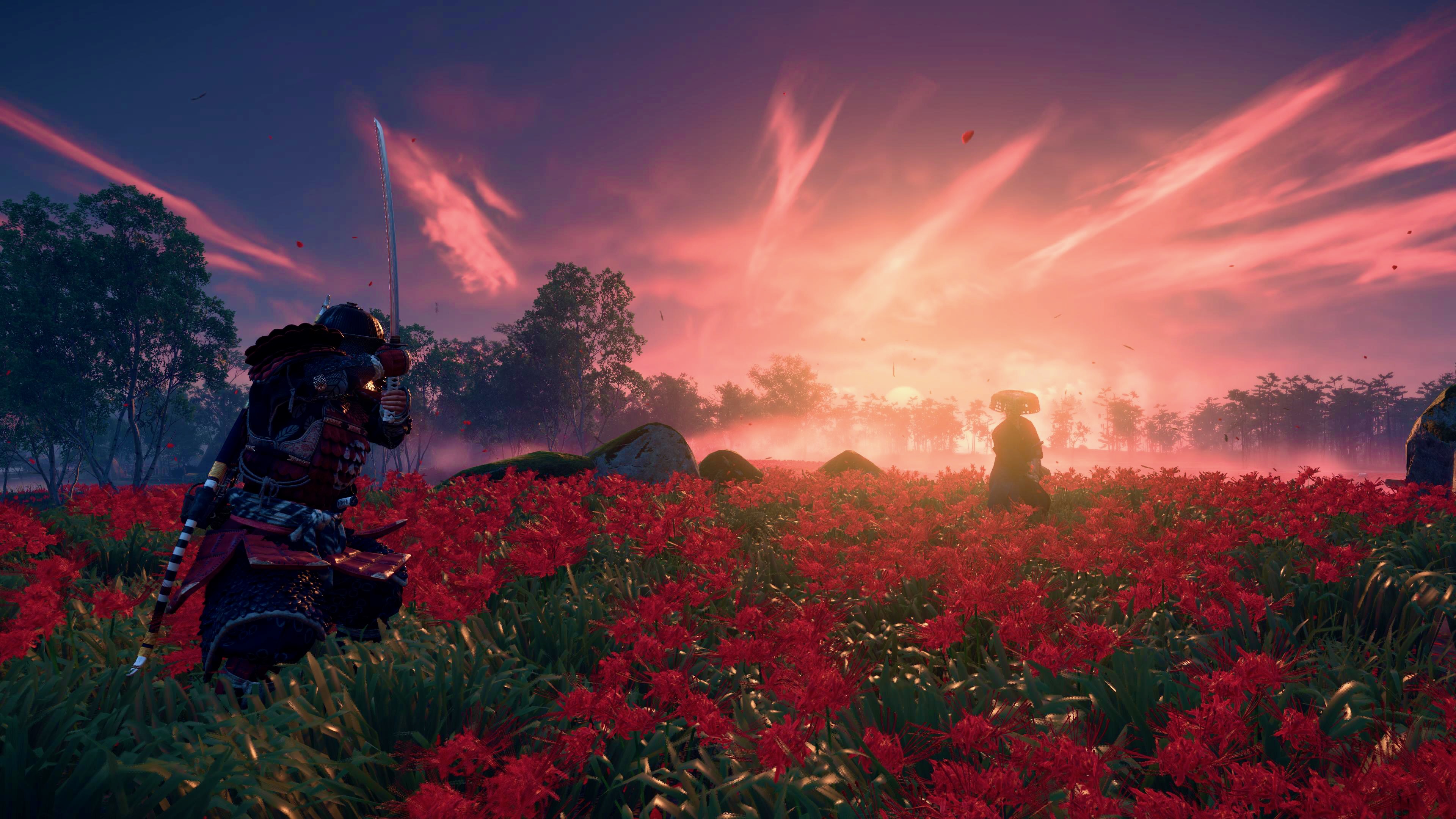
What do 3D models consist of
A 3D model is made of three things. Vertices. Edges. Faces.
A vertex is a point in space. Just a dot floating in 3D. An edge is a line connecting two vertices. A face is the flat surface that fills in between edges. Think of it like connect the dots but in three dimensions.
Put enough of these together and you get a shape. A cube. A sphere. A character. That is all a 3D model is at its core. A bunch of points connected by lines with surfaces stretched between them.

What are triangles and why they matter
Here is the part that surprised me. Every face on a 3D model gets broken down into triangles. Even if it looks like a square or a pentagon. Under the hood it is all triangles.
Why. Because triangles are the simplest possible shape. Think of it this way. If you grab three coins and place them on a wobbly table they will always touch the surface perfectly. All three coins sit flat no matter what. That is why a three legged stool never wobbles. Three points always create a stable flat surface.
Now try four coins on that same wobbly table. One of them is going to lift off. It does not sit flat anymore. The surface between those four points can twist or bend. That means the computer has to figure out how to deal with that bend. More math. More problems. More room for things to look wrong.
Triangles skip all of that. They are always flat. Always predictable. That makes them fast to calculate and easy for a computer to work with.
So when someone says a model has 10,000 triangles. They mean the entire surface of that model is made up of 10,000 tiny flat triangles stitched together. The more you have the more detailed the model looks. But the more work your hardware has to do.

Textures
At this point you have a shape. But it looks like gray clay. That is where textures come in.
A texture is basically an image that gets wrapped around the model. Think of it like wrapping paper on a gift. The 3D model is the box. The texture is the paper that makes it look like something real.
There are different types of textures too. They are sometimes called maps. A map is just an image that gives the model a specific type of information. Think of it like layers.
The first layer is the color texture. This one is straightforward. It tells the model what color each part should be. Skin is beige. Shirt is red. Boots are brown.
The second layer is the normal map. This one is clever. Say you want a brick wall to look like it has grooves between the bricks. You could model every single groove with more triangles. But that is expensive. Instead you use a normal map that tricks the lighting into thinking those grooves are there. The surface is actually flat but it looks bumpy. Way cheaper. Same visual result.
The third layer is the roughness map. Some parts of a model should be shiny. Like metal armor or wet skin. Other parts should be dull. Like cloth or dry wood. The roughness map tells the model which parts reflect light and which parts do not.
The fourth layer is the metallic map. This one tells the model which parts are made of metal and which are not. Metal reflects the environment around it. Non metal does not. Think of a knight in armor. The steel plates reflect the sky and the trees around them. The leather straps underneath do not. The metallic map is what makes that difference possible.
All of these layers stack on top of each other and work together to make a gray blob look like a human or a rock or a sword.

Rigging
Now the model exists and looks good. But it just sits there. Rigging is what lets it move.
Rigging is basically giving the model a skeleton. Remember all those vertices and edges and faces from earlier. All of that connected together forms what is called the mesh. The mesh is just the outer shell of the model. The skin. The surface. The thing you actually see.
You place bones inside that mesh. Then you tell each part of the mesh which bone it should follow. The arm vertices follow the arm bone. The leg vertices follow the leg bone.
Once that is set up an animator can move the bones and the model moves with them. Without rigging you have a statue. With rigging you have a character.

How this talks to the GPU
This is the part nobody explained to me for the longest time. So let me break it down simply.
The GPU is the graphics processing unit. It is the chip in your computer or console that is specifically built to handle visual stuff. Drawing pixels on screen. Fast.
The CPU is the brain of your computer. It handles logic and game systems. But when it is time to actually draw something on screen it hands that job to the GPU.
Here is how it works. The game engine takes your 3D model with all its triangles and textures and sends that data to the GPU. The GPU then does three big things.
First it figures out where each triangle should appear on your screen. It takes those 3D points and projects them onto your 2D display. This is called vertex processing.
Then it fills in each triangle with the right colors using the textures. This is called rasterization. Every tiny pixel inside every triangle gets a color assigned to it.
Then it applies lighting and shadows and any other effects. This is called fragment processing.
It does this for every single triangle in the scene. Every frame. If your game runs at 60 frames per second the GPU is doing all of that 60 times every second.
That is why performance matters. That is why triangles matter. Every triangle is work the GPU has to do.

Triangle budget
This is where it all comes together. A triangle budget is the maximum number of triangles you can have in a scene before performance starts to suffer.
GPUs are powerful but not infinite. If you throw a million triangles on screen for one character and another million for the environment and another million for the enemies. Things will slow down.
So you set a budget. Maybe a character gets 20,000 triangles. Maybe a background prop gets 500. cThe more important something is to the player the more triangles it gets.
This is the constant balancing act of real time 3D. You want things to look good. But you need them to run smooth. Every triangle is a trade off between visual quality and performance.
That is it
Vertices. Edges. Faces. Triangles. Textures. Rigging. GPU. Budget. That is the core of what 3D models are and how they work. I learned all of this on the job with zero background in it. If this post made even one of those concepts click for you then it did its job.


